Rollout Inline Setup Tools & Utilities
Fix pads, Steam Input, and performance before you blame the rail.
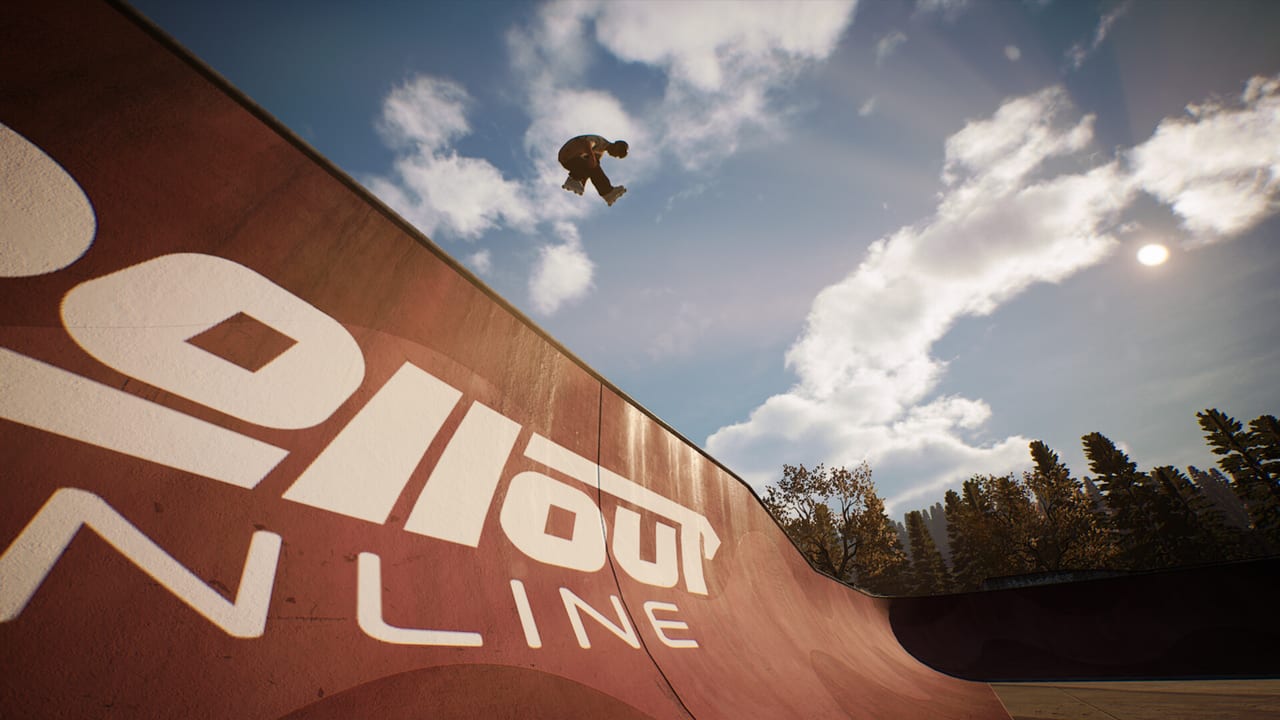
The Tools Hub collects practical setup and session pages for Rollout Inline on PC and Steam Deck. Because the game requires a controller and plays best at high frame rates, a huge share of “this grind is impossible” reports are actually input or performance problems. Difficulty, the replay editor, and in-game radio sit here too—they are how you scale feel, audit dual-stick feet, and pace long parks after the pad is honest. Start here before rewriting your trick tier.
Tool pages
- Controller Setup — connect-before-launch rules, Xbox recommendations, DualShock/DualSense USB tips, Steam Input recovery, Deck notes, and force feedback expectations.
- Steam Deck — Verified status, 60 FPS handheld tips, Deck sticks, Steam Input, connect-before-launch, graphics triage, and when to dock with an Xbox pad.
- System Requirements — minimum and recommended specs, 60 FPS guidance, storage/DirectX notes, and settings triage when stick timing feels late.
- Difficulty Settings — global strictness versus optional balancing, when to loosen dual-stick learning, when to tighten challenge batches, and how FPS impersonates both.
- Replay Editor — dual-stick foot audits, record-scrub-fix workflow, challenge review, clip-making, and high-contrast skate setups.
- Radio & Soundtrack — original in-game music as session pacing, volume versus stick cues, and honest Early Access soundtrack notes.
When to visit this hub
- First install, before Getting Started
- After a Windows, Steam, or firmware update breaks pads
- When dual-stick grinds suddenly feel mushy
- When Steam Deck Verified play still hitching in busy pools — open Steam Deck
- When you buy a new controller mid-Early Access
- When you cannot tell skill from strictness — open Difficulty Settings
- When a line almost worked and you need to see which foot left — open Replay Editor
- When radio volume is drowning landing cues — open Radio & Soundtrack
Rollout Inline’s dual-stick model (left stick steer/spin, right stick jump, both sticks for grinds and cess slides) assumes clean analog data. Steam Input layers, deadzones, and low FPS all corrupt that data before the game logic ever sees it.
How tools relate to gameplay guides
Fix setup, then return to skill pages:
- Controls — intended stick roles once hardware behaves
- Tricks and Grinds — drills that need trustworthy pops
- Challenges and Progression — batches that punish latency feel
- Trick Difficulty — reassess ceiling after FPS is stable
- Difficulty Settings — loosen while learning; tighten for honest batches
- Replay Editor — scrub the miss before rewriting the stance
If you only came here from a store page, skim the Game Overview for feature context and Early Access Launch for the September 15, 2026 ship snapshot.
Quick triage flowchart
- Is the controller connected before launch? If not, fix that first.
- Does Steam detect the pad in per-game controller settings? Adjust Steam Input.
- Are you holding 60 FPS in the park you are practicing? If not, open System Requirements. On Deck, also use Steam Deck.
- Still broken on DualShock/DualSense? Switch to USB and retest.
- Still broken on Xbox pad? Try another cable/wireless adapter and disable conflicting overlays.
- Only then revisit mechanical advice on the Guides Hub.
What we do not host
No cheat tables, no macro scripts, no keyboard remappers pretending to replace unsupported KBM play. Tools here are about making the supported controller experience reliable on Steam hardware.
Official announcements about input patches will be mirrored from sources on Official Links into the Updates Hub when relevant.
Recommended first-hour tools path
New players should read Controller Setup and the FPS section of System Requirements on install day, keep difficulty kind per Difficulty Settings, then proceed into Getting Started. Handheld players should add Steam Deck. Ten minutes of setup prevents an hour of false conclusions about dual-stick skating.
Keep this hub bookmarked for the entire Early Access lifetime—solo developer patches and Steam client changes alike can nudge input behavior.
Frequently Asked Questions
Quick answers for aggressive inline players.
Which tool page should I open first?
Start with Controller Setup if buttons feel wrong; use System Requirements if the game feels laggy.
Is keyboard support available through tools?
No. Rollout Inline does not support keyboard and mouse. Use a controller.
Does Steam Deck need these pages?
Yes. Start with the dedicated Steam Deck page, then confirm FPS and Steam Input.
Where do I go after setup works?
Follow Getting Started and the rest of the Guides Hub.
Do difficulty settings replace controller or FPS fixes?
No. Fix the pad on Controller Setup and hold 60 FPS first. Then use Difficulty Settings to scale strictness.
Is the replay editor only for clips?
No. Use it to audit dual-stick feet after failed lines. See Replay Editor.