Rollout Inline Difficulty Settings & Optional Balancing
Loosen to learn dual-stick skating; tighten when challenge batches deserve honest physics.
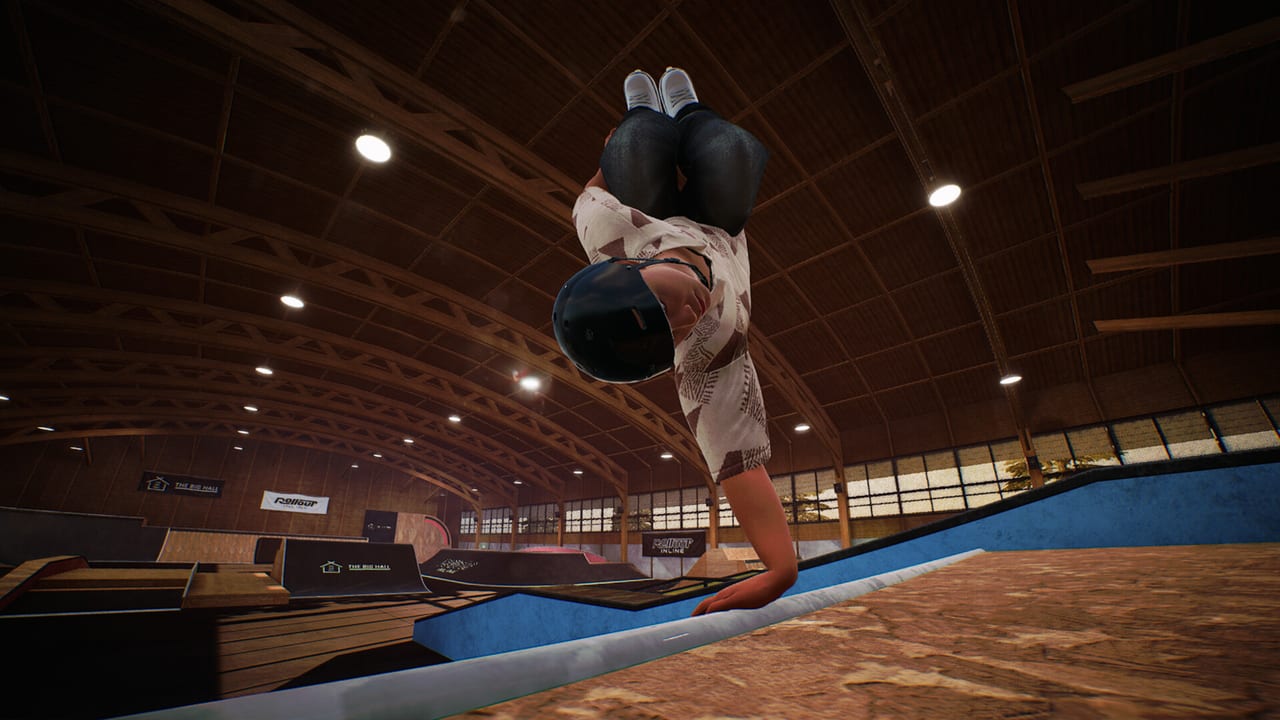
Rollout Inline ships two feel tools that players constantly mix up: difficulty settings and optional balancing. Both live in the settings neighborhood, both change how punishing a rail feels, and neither is a substitute for learning the dual-stick language. This page separates them, then tells you when to loosen the game while you learn, when to tighten it for challenge batches, and how frame rate impersonates both.
Parent index: Tools Hub. Stick roles: Controls. First-hour plan: Getting Started.
Two tools, two jobs
Difficulty settings scale how strict the same skating language is. The dual-stick model does not change: left stick still steers and spins, right stick still jumps, both sticks still place feet for grinds and cess slides. What changes is how little room the game gives a sloppy entry, a late pop, or a twisted exit. Think of difficulty as a global honesty slider for the simcade pocket—not a different control scheme.
Optional balancing is a mechanic you can turn on when you want a tighter sim edge. It is not a difficulty preset with a different name. Balancing asks you to manage stance and recovery as an extra conversation on top of steering, popping, and foot placement. If you enable it on night one, you are stacking a sim tax onto muscle memory you do not have yet.
Keep a third settings family out of this argument: alternative spinning controls. Those remap how spin is requested so the left stick is less crowded. They do not make ragdolls kinder. Test spin alternatives in a quiet corner, then come back to difficulty and balancing as a separate decision.
A fourth axis is content difficulty. Map level-ups spawn harder challenge batches. That is not the same as the settings menu. You can fail a high-level batch on a kinder global setting because the objective is ambitious, or you can fail an easy pin on max strictness because the game no longer forgives a crooked lock-in. Challenges and Progression covers the batch loop; this page covers the menu that sits underneath it.
A fifth axis is this wiki’s Trick Difficulty ladder. Those tiers are a practice order, not in-game sliders. Raising global difficulty does not promote you from Tier C to Tier A.
What you should feel when you change them
Loosening difficulty (or leaving balancing off) should make the same line more completable. Entries that were almost locked start locking. Exits that ragdolled from a small twist start recoverable. You should still be skating—the game does not turn into an auto-grind title.
Tightening difficulty or enabling balancing should make the same mistakes louder. Over-rotation off a rail end becomes a ragdoll instead of a lucky save. A late right-stick pop that used to clear a lip now clips. If nothing changes, you are on the wrong menu, or a patch moved the labels—check Updates rather than inventing superstition.
Because Early Access launched September 15, 2026 from solo developer MLMEDIA, exact preset names and how sharp each step feels can still move toward the planned Q3/Q4 2027 exit (that window can change). Treat the jobs as stable; treat the labels as living. This page will not invent Easy/Normal/Hard names the storefront does not publish.
When to loosen: learning dual-stick
Loosen while you are still translating “left foot / right foot” into stick angles. Dual-stick grinds are combinatorial. If the game is also yelling about balance or punishing every five-degree miss, you cannot tell whether the stick idea was wrong or the strictness was.
Loosen for:
- The first sessions in Getting Started
- Neutral grind holds on short rails
- Clean exits to flat before cess slides
- Any week you changed pads, Steam Input, or deadzones
- Steam Deck handheld nights when thumb reach is already cramped
- After a patch when feel suddenly seems alien—reset strictness, then re-raise
A useful rule: if you cannot land eight out of ten short grinds, difficulty is not your teacher. Tricks and Grinds is. Kind settings let those drills complete so your hands learn the shape of a hold.
Optional balancing should stay off until Intermediate connectors—mid-grind stance shifts, cess slide exits, simple grabbed airs—are boring on a fair difficulty. The Trick Difficulty page already warns that enabling balancing in Tier C creates fake advanced failures. Believe it.
When to tighten: challenge batches
Tighten when the line is already readable and you want the game to stop covering for you. Challenge batches after map level-ups assume cleaner entries, longer holds, and tighter landings. If you clear those batches on a very kind setting, you will unlock clothing while building a fragile habit. The next batch will feel like a brick wall.
Tighten for:
- Repeating a batch you already cleared, colder, as a mastery pass
- Unlock sessions where you can already free-skate the mechanic
- Clip hunting that you want to trust later
- Optional balancing once exits are planted and you want the sim edge
Do not tighten on the same evening you also raise shadows, switch to a DualSense over Bluetooth, or start a brand-new map. Change one variable.
A clean mastery path from Challenges and Progression: learn a batch on a kinder setting, then repeat it on a harder setting before you take the map level-up personally. Earlier challenges stay replayable—use them as the cold-settings gym.
FPS, pads, and impersonated strictness
Rollout Inline plays best at high frame rates. Sub-60 play adds perceived latency to right-stick pops and dual-stick foot adjustments. That mush feels identical to a harsher difficulty or to balancing you forgot you enabled. Before you max settings or swear the physics broke overnight, confirm 60 FPS in the park you are actually skating—not in the menu. System Requirements is the triage page; on handheld, add Steam Deck.
Controller problems impersonate difficulty too. Drift, double-mapped Steam Input, or a PlayStation pad that needed USB will dump you mid-rail. That is not a reason to loosen forever. Fix the pad on Controller Setup—Xbox recommended, DualShock/DualSense USB only, connect before launch—then return to an honest difficulty.
Force feedback on Xbox pads is a feel cue, not a difficulty setting. Lowering rumble because it distracts you during cess slides is fine. Disabling rumble does not enable balancing, and enabling balancing does not fix a dead stick.
Session templates
Learn night: balancing off, kinder difficulty, 60 FPS, familiar pad. Thirty minutes of Controls drills. No new map level-up.
Unlock night: difficulty one step stricter than learn night if your entries are planted. Attempt the current batch easiest-to-hardest. Stop after the level-up or two tilted failures.
Honesty night: same batch you already own, colder settings, optional balancing on if Intermediate connectors are stable. Record failures and watch the foot that left early.
Deck night: do not stack handheld cramped sticks, thermal dips, and max difficulty. Loosen or dock with an Xbox pad.
Common mistakes
- Maxing difficulty on hour one because the Steam page lists the feature
- Enabling balancing to “play for real” before you can hold a neutral grind
- Blaming a park for a settings pile-on instead of scouting it
- Raising difficulty to compensate for 40 FPS
- Treating clothing unlocks as proof you are ready for colder settings
- Confusing this wiki’s trick tiers with in-game sliders
Single-player Early Access has no ranked lobby. Nobody is watching your preset except you. Kind settings while you learn are not cheating; they are how the dual-stick language gets into your hands. Colder settings later are how that language stays honest.
Related reading
- Tools Hub — setup index
- Controller Setup — pads before presets
- Controls — stick roles the settings act on
- Getting Started — when to stay kind
- Challenges and Progression — batch difficulty vs menu difficulty
- Tricks and Grinds — drills that need a fair feel
- Trick Difficulty — practice order, not a slider
Change one feel tool at a time, skate five minutes, then judge it. The dual-stick game is the same game on every preset. Strictness only decides how loud your mistakes are.
Frequently Asked Questions
Quick answers for aggressive inline players.
Are difficulty settings the same as optional balancing?
No. Difficulty scales how strict the same dual-stick language is. Optional balancing is a separate sim-edge mechanic you can toggle. See Controls for stick roles those tools act on.
Should I enable balancing on day one?
Usually no. Learn core stick roles first with Getting Started, then enable balancing when Intermediate connectors feel planted.
Why does a new challenge batch feel cruel after I changed settings?
Map level-ups add content difficulty on top of menu strictness. Replay earlier sets or ease presets using Challenges and Progression.
Can difficulty fix mushy sticks or low FPS?
No. Fix the pad on Controller Setup and hold 60 FPS first. Strictness cannot repair late analog data.
Does raising difficulty raise my trick tier?
No. Trick Difficulty is a practice order, not an in-game slider. Colder settings only make the same mistakes louder.